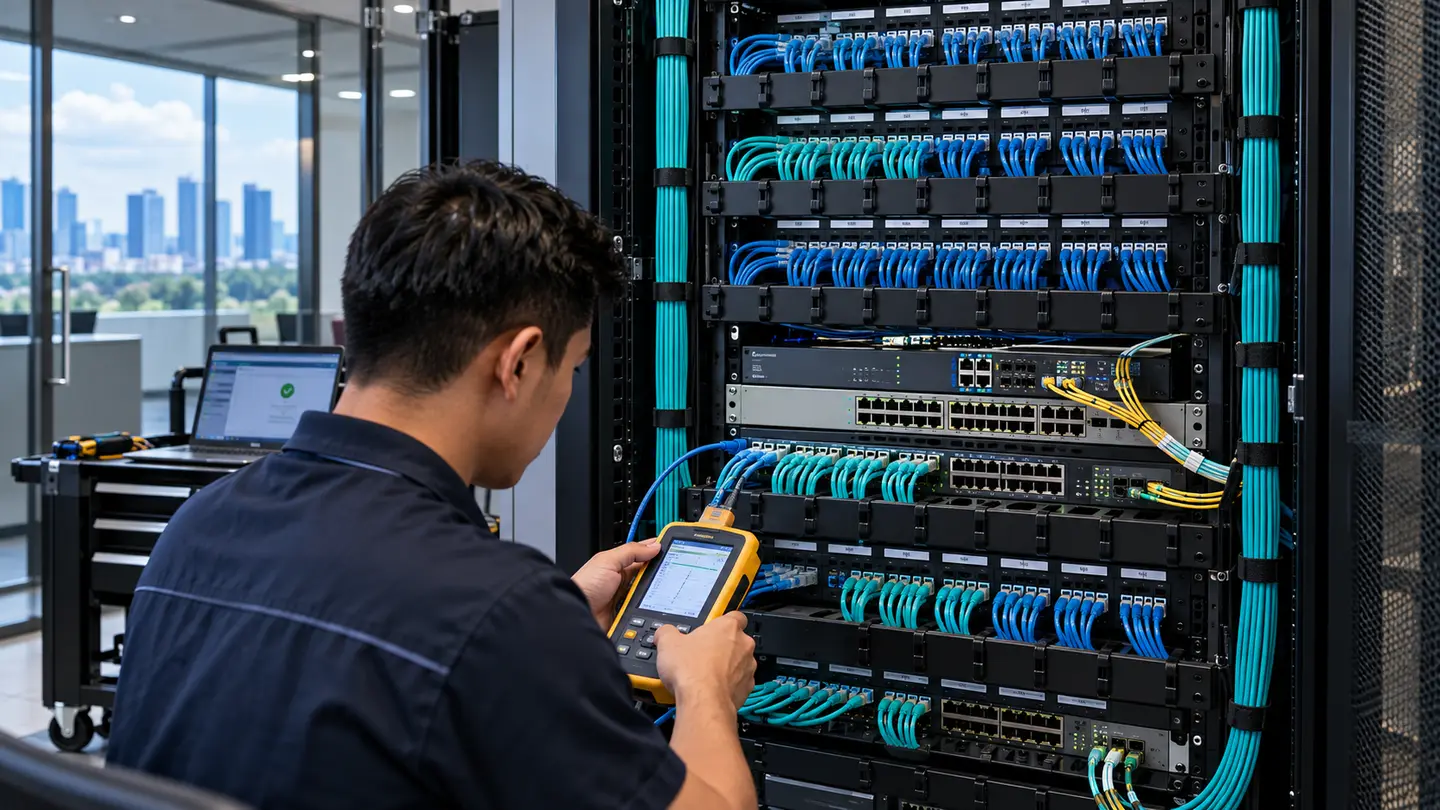
Make your technology an advantage.
Monitor office internet, routers, switches, wireless, NAS, servers and backups with practical alerts and preventive checks before incidents disrupt work.
Every engagement starts with a review of your goals and existing environment. We identify what can be retained, what needs to change and how to connect the technology into a dependable, secure and manageable solution.
What we can help with
- Planning, technical assessment and solution architecture
- Configuration, migration or on-site implementation as appropriate
- Integration with existing business infrastructure
- Security, validation, documentation and handover
- Optional monitoring and ongoing improvement
Frequently asked questions
What does Proactive Network Monitoring & IT Health Checks do for a business?
Health checks and monitoring provide earlier visibility into link failures, overloaded devices, backup jobs, disk health and configuration drift.
How can Proactive Network Monitoring & IT Health Checks improve productivity?
Fewer surprises and more predictable maintenance windows can save staff time, although alerts alone cannot guarantee zero downtime.
Does SpenceCom recommend replacing everything?
No. We first review the existing environment and goals. Typical steps are: identify business-critical devices; establish safe monitoring and thresholds; train contacts and review trends before failures. Upgrades are recommended only where the measurements, compatibility and business case justify them.
Diagnose first. Upgrade only where it counts.
At SpenceCom, we investigate the root cause across your existing equipment, applications, network and workflows. We explain the findings and practical options before suggesting purchases.
The symptom isn't always the cause
A business discovers a nearly full NAS or failed backup only after an outage. Replacing a router will not fix missing visibility.
Evidence before equipment
Set useful thresholds, verify offsite backups, document device ownership and assign action to each alert.
Free initial assessment: Tell us what's going wrong. We'll discuss likely checks by call, Google Meet or Teams, and whether an on-site survey makes sense. Sometimes configuration and a small repair are all you need.
Talk to SpenceCom Before You Upgrade ↗Understand the solution.
See the business value.
What this technology does
Health checks and monitoring provide earlier visibility into link failures, overloaded devices, backup jobs, disk health and configuration drift.
How it can improve productivity
Fewer surprises and more predictable maintenance windows can save staff time, although alerts alone cannot guarantee zero downtime.
Disconnected or under-performing technology costs people time.
Assess, design, migrate, install, secure and validate.
Practical improvements in reliability, access and productivity.
What SpenceCom implements
- Router, WAN and switch health dashboards
- Wireless, NAS and server capacity alerts
- Backup job and restore verification
- Change logs, escalation and monthly reviews
How we make the transition smooth
- 01Identify business-critical devices
- 02Establish safe monitoring and thresholds
- 03Train contacts and review trends before failures
Every project starts with a review of your actual environment. We agree on a pilot, data protection, scheduling, user training and rollback arrangements where applicable before any critical cutover.
Where we work
SpenceCom is based in Angeles City and Clark, Pampanga. We assess projects across the Philippines, including Luzon, Visayas and Mindanao. Suitable cloud, AI and consultancy work is available remotely to clients worldwide.
How do we begin?
Contact us for a free initial consultation. We'll discuss your current setup, requirements, timeline and practical next steps before proposing an implementation.